
Log your sets. See your progress.
A personal workout tracker for the phone and the desktop. Log each set with weight, reps, an optional RPE and tempo, then see how every lift moves.
Log fast on a phone
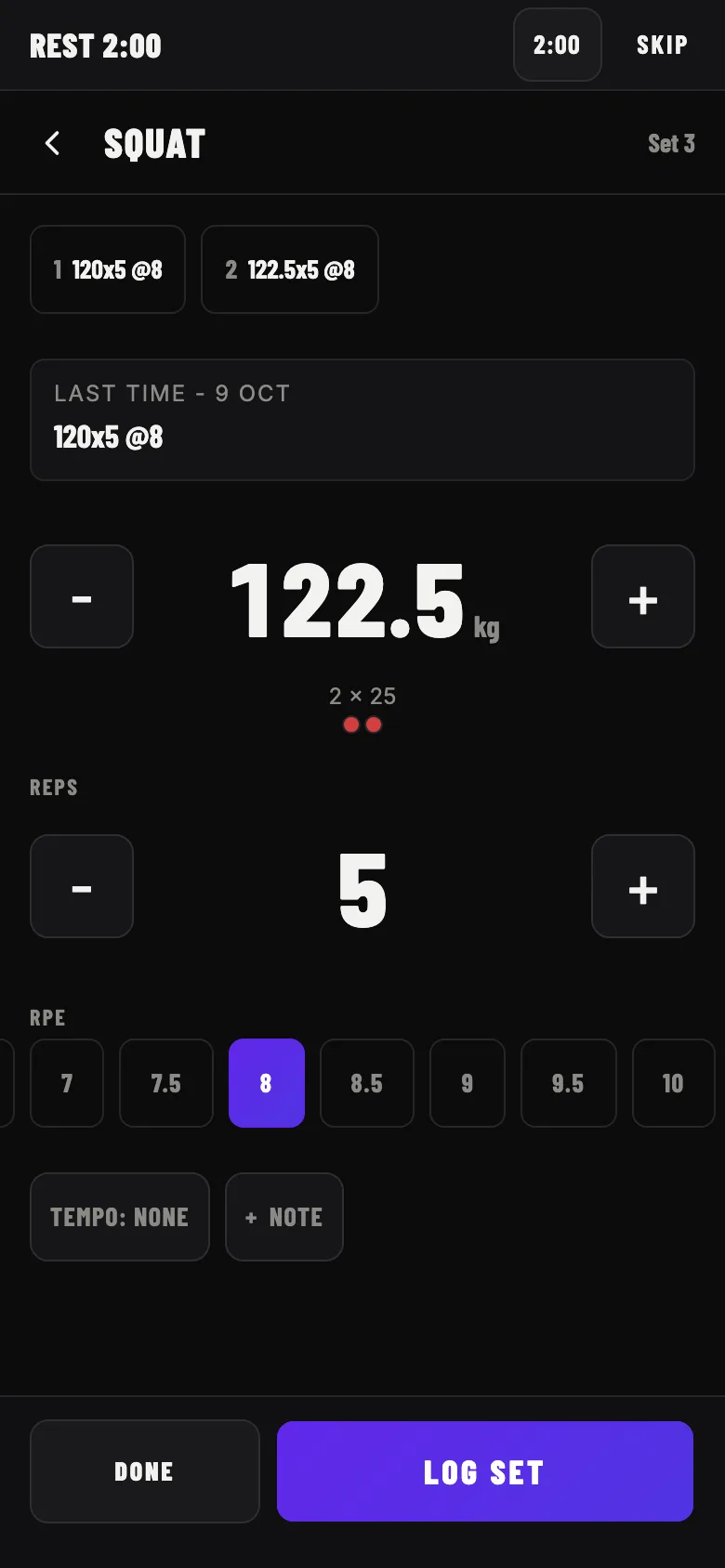
Big steppers for weight and reps, the plates to load under the weight and chips for RPE. The sets you already logged and your last session of the lift are on top. Your workout is saved as a draft while you train, so a reload or a locked screen never loses a set. A rest timer starts when you log a set and flashes the screen when the rest is over. With no signal the app still opens, you can log your workout, and it is saved when the connection returns.
See the whole workout
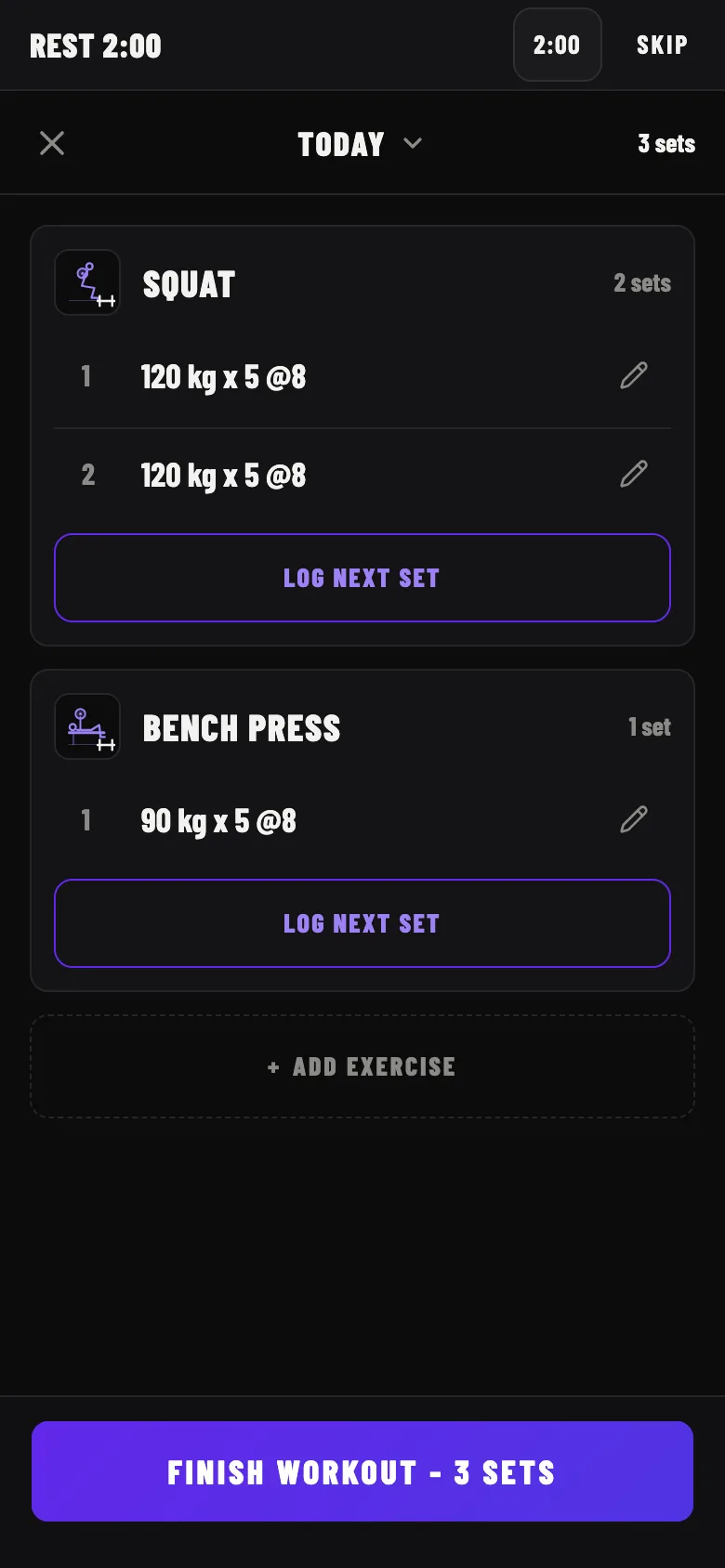
Each exercise is a card with its sets. Tap a set to correct it, delete it and undo within five seconds, or change the date of the workout. When you finish, a New best box shows each lift where you beat your record.
Find every lift at a glance
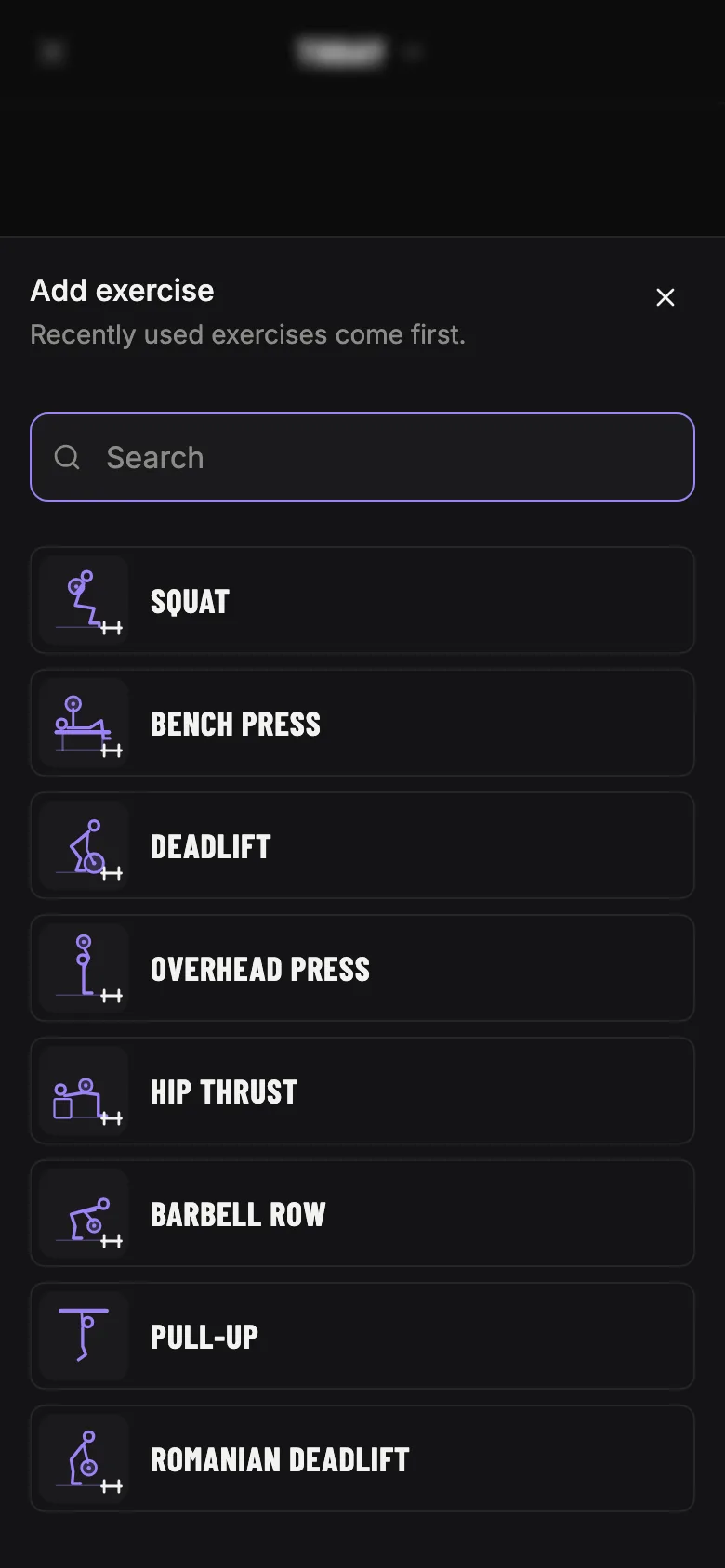
Almost 300 ready-made exercises with a drawing each, from barbell lifts to cables and kettlebells. When one is missing, search for it and create your own with the muscles it works. Mark your favorites and they come first. The app speaks English and French, and finds an exercise by its French name too.
See how regularly you train
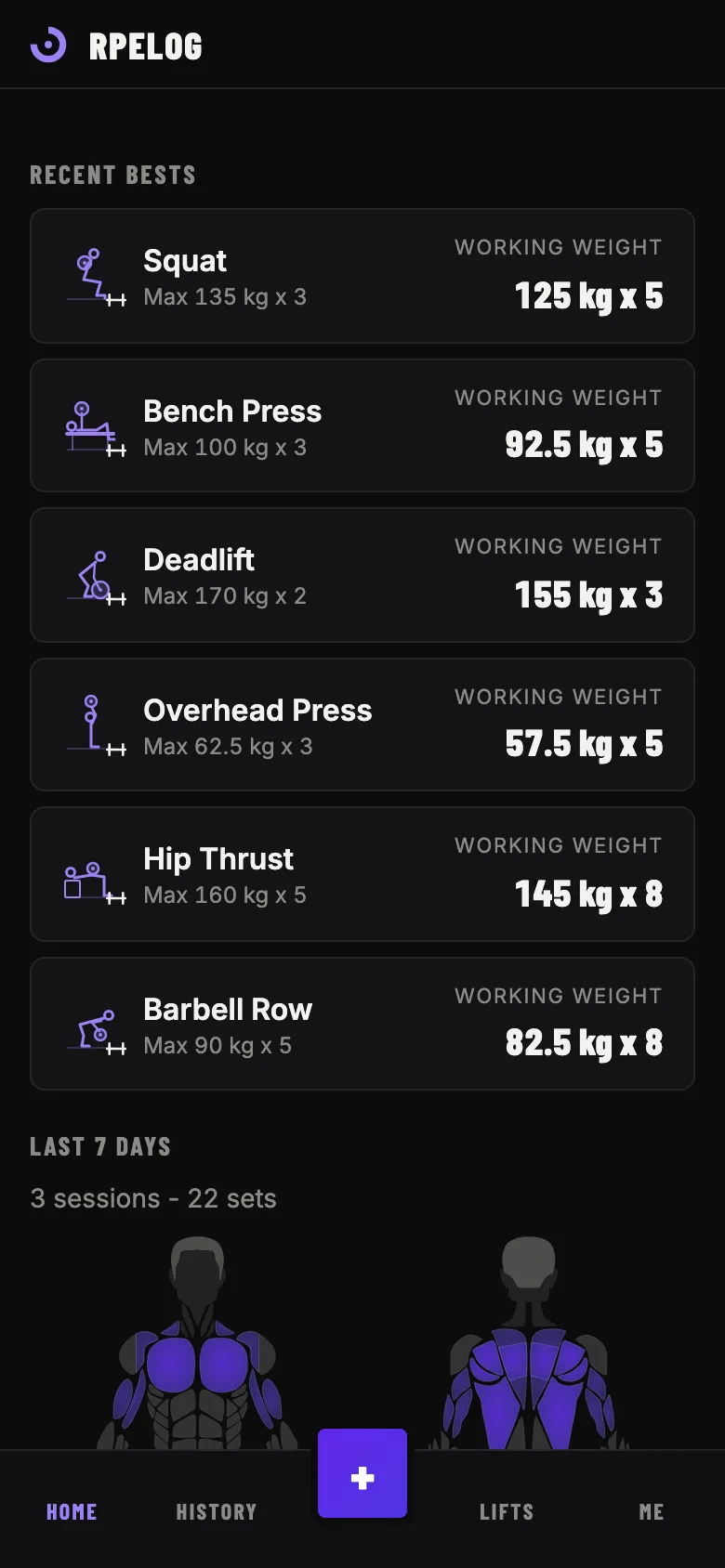
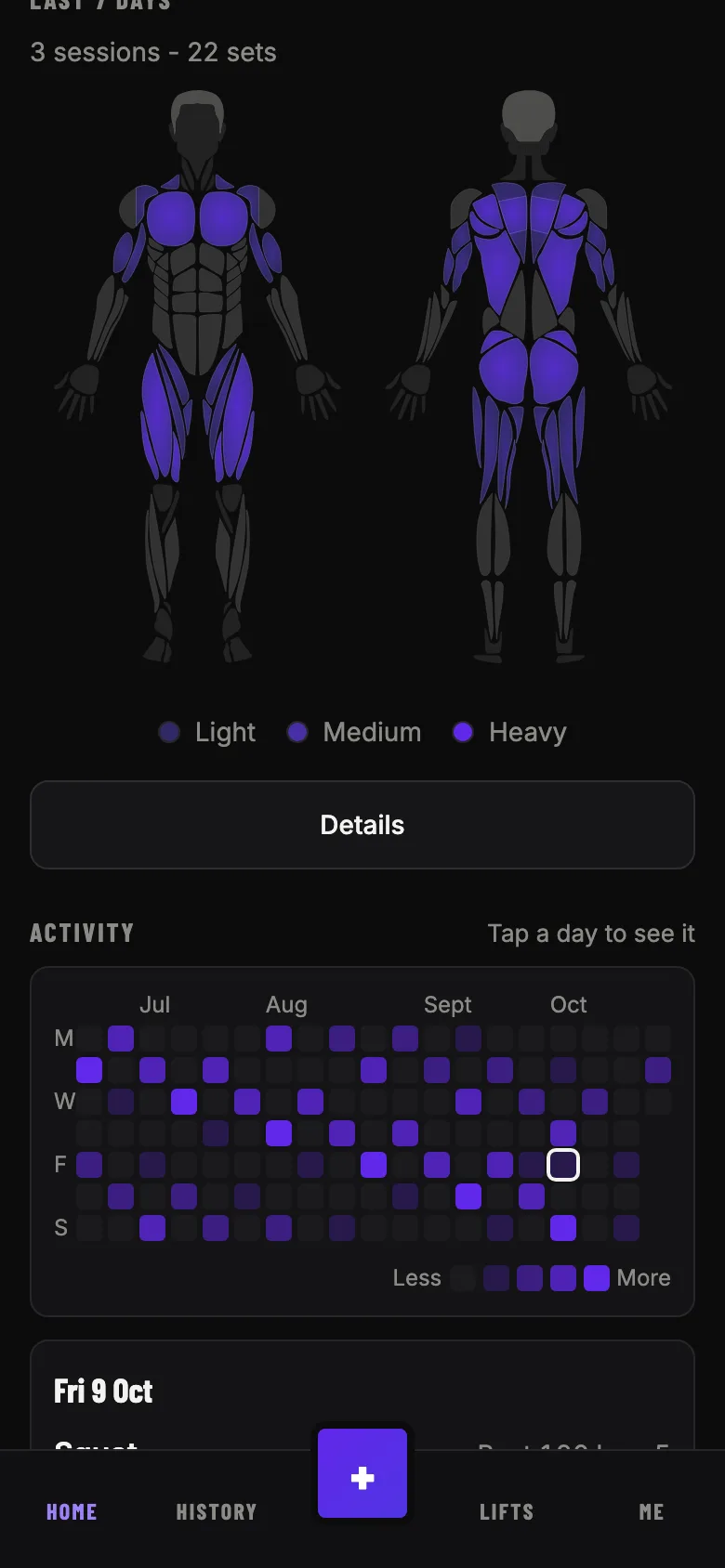
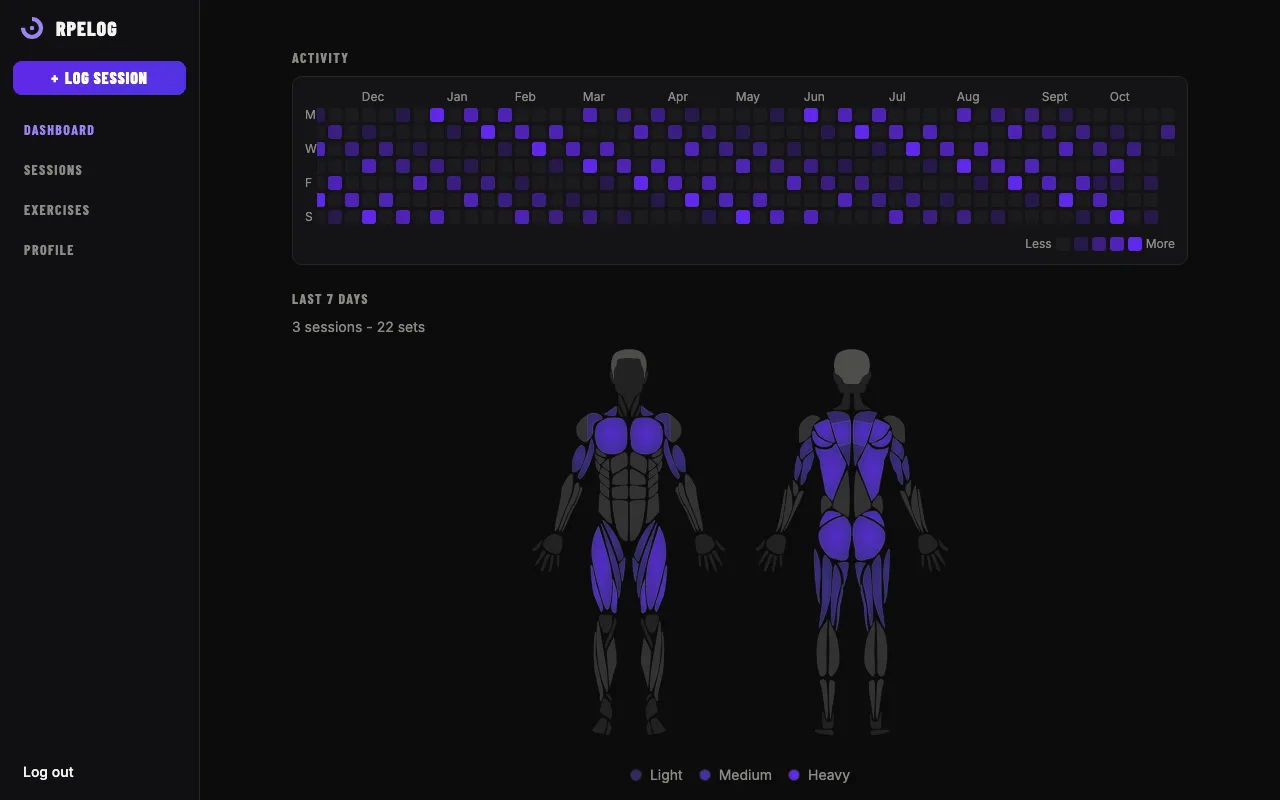
The home page shows the last 12 months as a calendar, one square per day, darker when you did more sets. Tap a day to see what you did and open the session.
See which muscles you worked
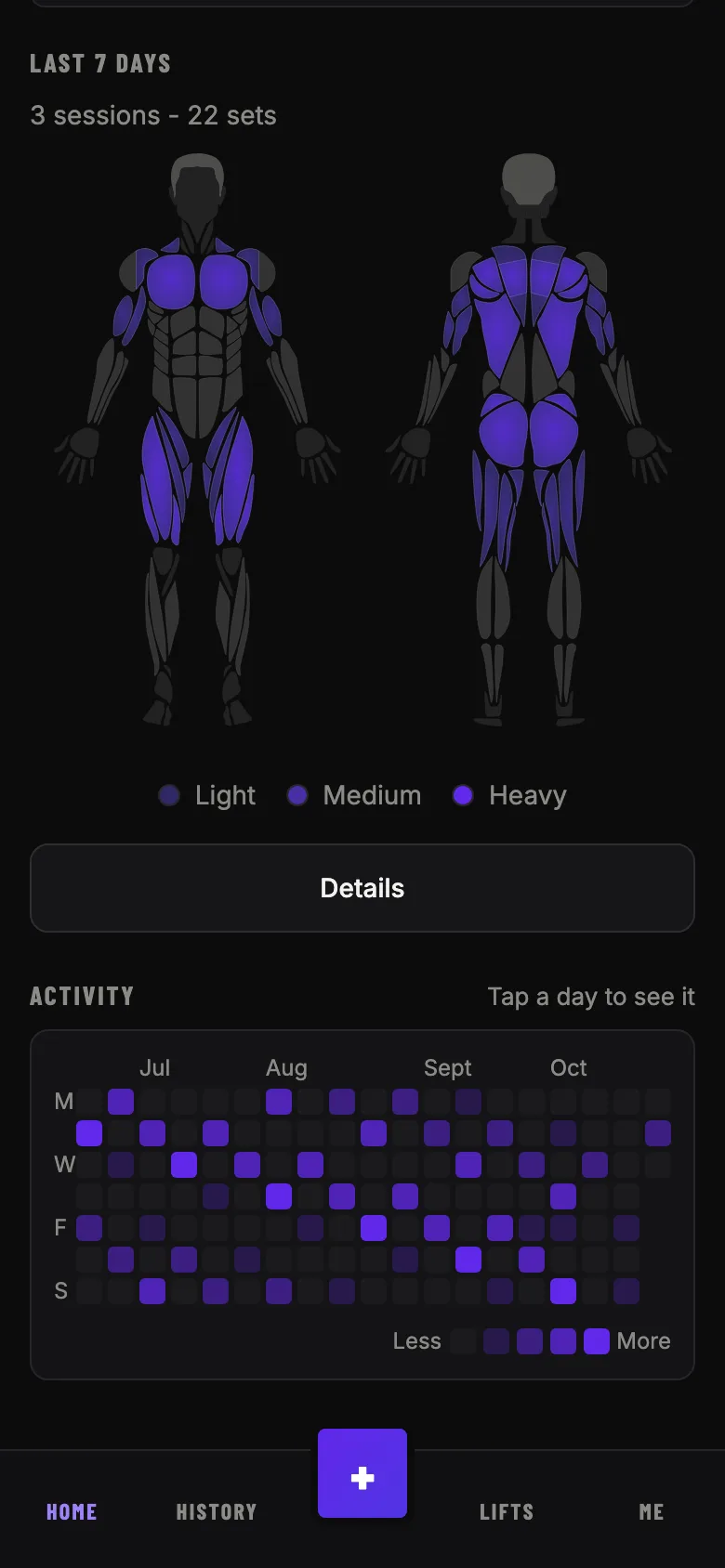
The home page draws, front and back, the muscles your sessions of the last 7 days worked, shaded by how many sets each had. Every session and every exercise has its own map. Tap Details for the sets of each muscle.
Keep your history
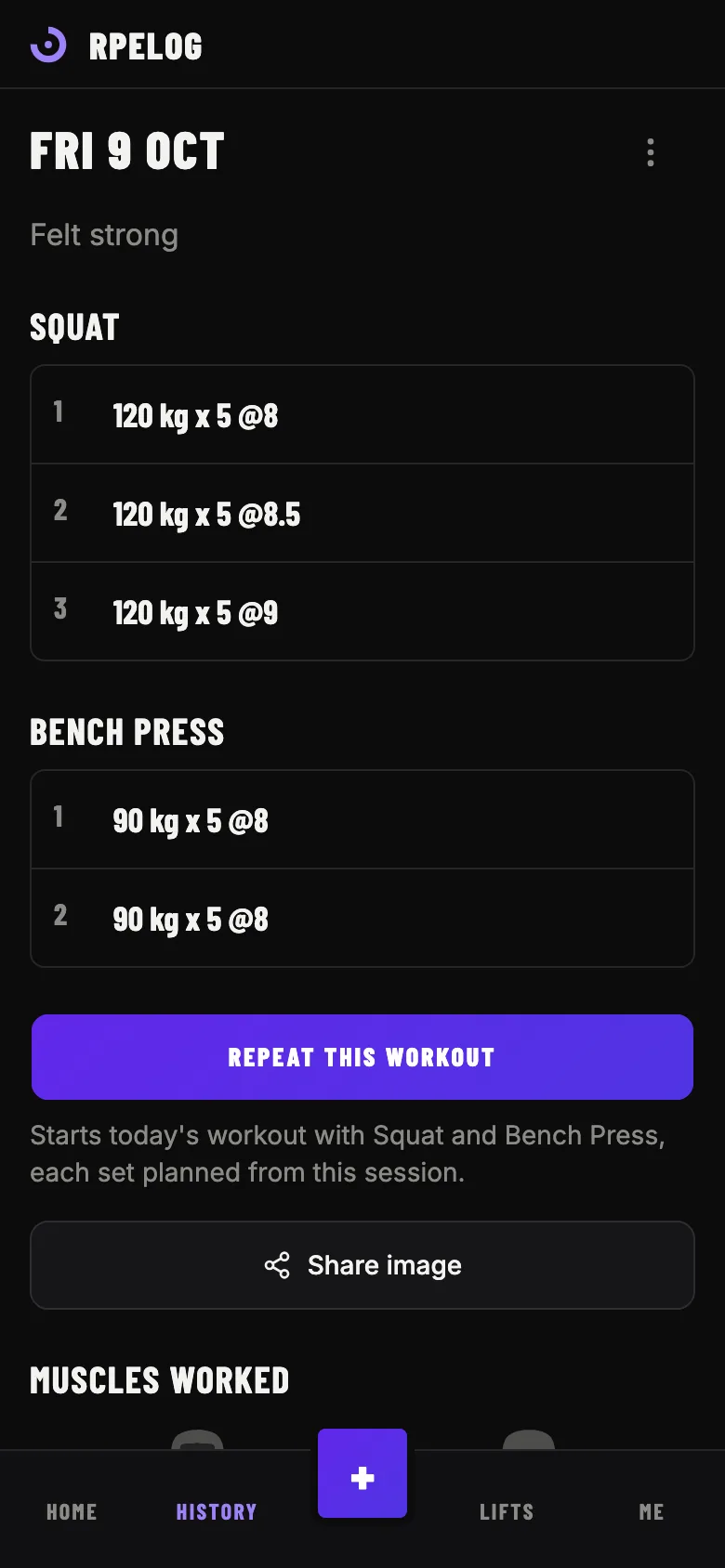
Browse and edit every past session, see all the sets of an exercise and track your body weight. Weights are stored in kg and shown in kg or lb, as you choose. You can download a copy of everything from a computer.
Know what to load
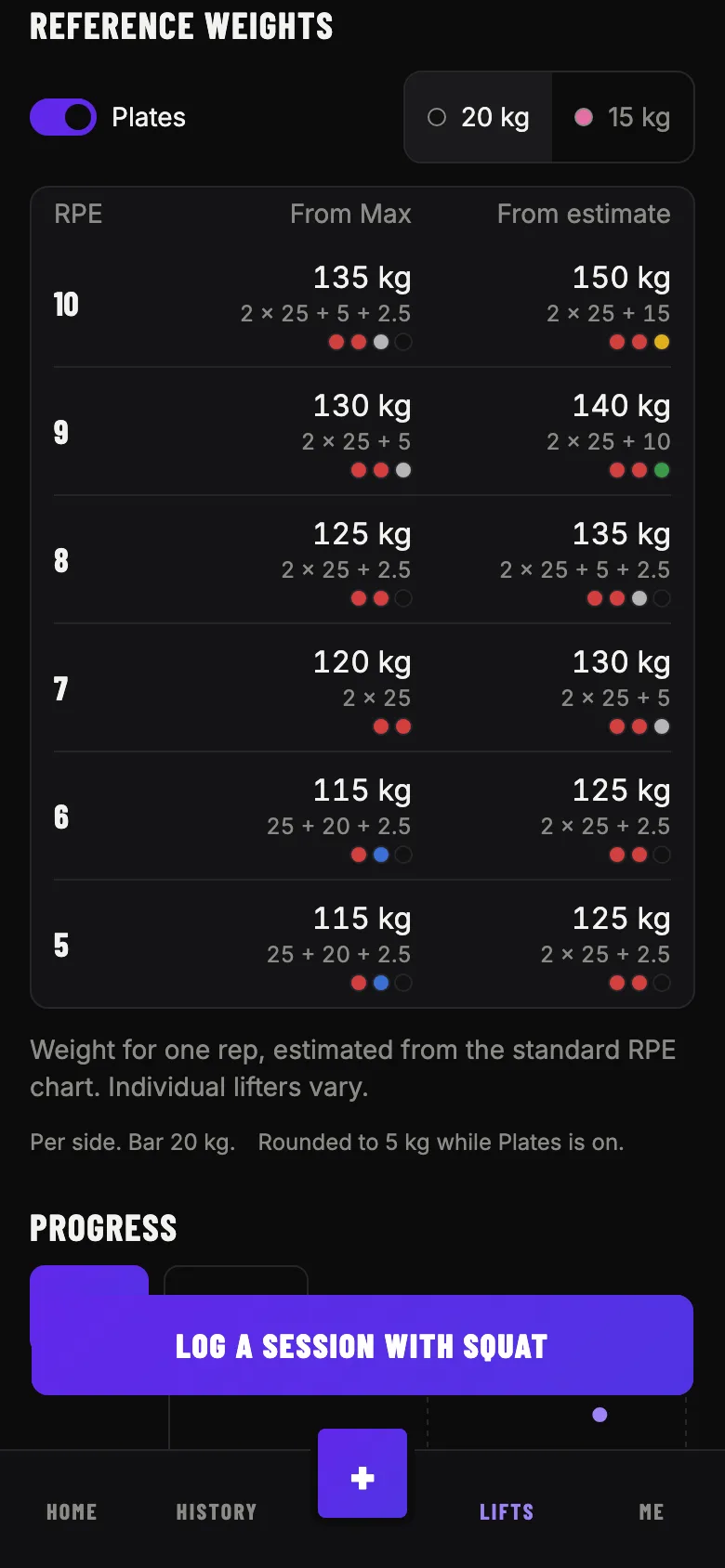
For each RPE from 10 to 5, see the weight to load, from your best set and from an estimate of your recent sets. Turn on Plates to see which plates go on each side of the bar. New here? Enter your max and the table is ready on day one.
See your progress on the desktop
Pick an exercise and get its progression graph, your best set, the working weight for each tempo and your recent sets. The working weight tells you what to load today.
How it works
- Create an account. It takes a minute and needs only an email address.
- Log your first session. Pick a lift, set the weight and reps, tap Log set.
- Watch your progress. Your working weight and graphs update as you train.
The app installs on your home screen like any other app: open it in your phone's browser and choose Add to Home Screen.
Privacy
The app stores your account, your profile, your sessions, your body weights, your favorites and the exercises you create, and nothing else. Your data is not sold or shared, there are no ads, and this site uses no cookies, no analytics and no third-party requests.
You can delete your account in the app, in your profile. Your data is erased 30 days later, and you can restore the account until then by signing in.
Read the full privacy policy, or find answers on the support page.